Every comparison of Claude vs ChatGPT vs Gemini published in the last two years has the same shape: a table of benchmark scores, a paragraph of hedging, and a winner declared in the last line. The winner is usually whichever one shipped a model most recently.
That article is useless to you, because you are not choosing a research lab. You are deciding which tab to open when you have a specific job in front of you and forty minutes to do it. The honest answer to that question is that it depends on the job, and the differences are large enough to be worth knowing.
The question that actually matters
Ask “which is best” and you get an argument. Ask “which of these should I open to summarise a 90-page tender document” and you get an answer, quickly, that people who use all three will agree on.
So the framing here is task-first. The three models are close enough on general text quality that for most single-paragraph requests you genuinely cannot tell them apart in a blind test. Where they separate is everything around the text: what they will accept as input, what they are connected to, what they remember, and how they behave when the job runs long.
Those differences are structural. They do not move when a new model version lands, which is why this comparison is worth writing and a benchmark table is not.
What each one is genuinely better at
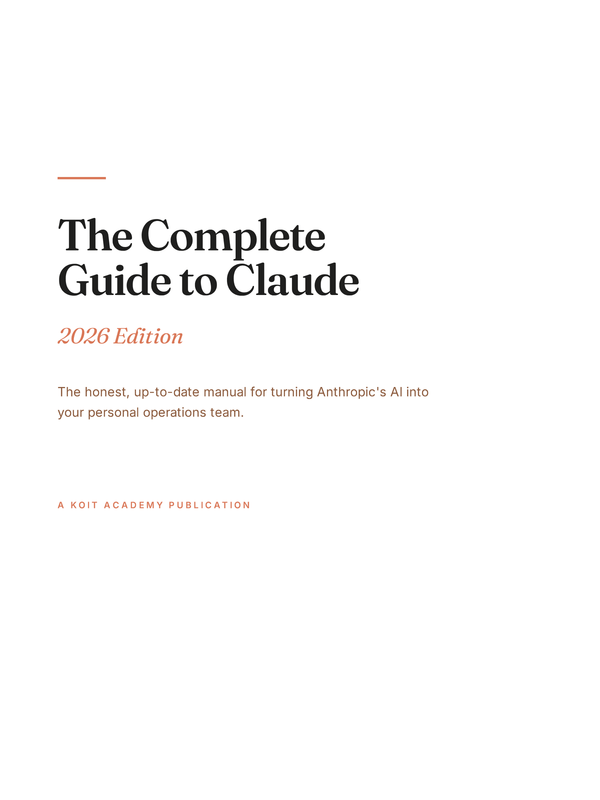
Claude is the one to reach for when the work is long, the reasoning has to hold across many steps, and you need it to stay inside a specification. Its strongest surfaces are the ones that persist: Projects, which keep a body of reference material attached to every conversation, and Skills, which turn a repeated procedure into something you invoke rather than re-explain. If you have only ever used the chat box, you have used one surface of a product that has about eight — The Complete Guide to Claude spends four of its forty-one chapters on the ones people never find.
ChatGPT is the broadest and the most forgiving. It has the deepest set of everyday conveniences — Custom Instructions, Memory, Custom GPTs, Projects, image handling, file handling — and the largest amount of third-party material written about it. If you want one tool that will do a passable job at almost anything with no setup, this is that tool. Its weak spot is the opposite of Claude’s: it will happily keep going when it should stop and ask.
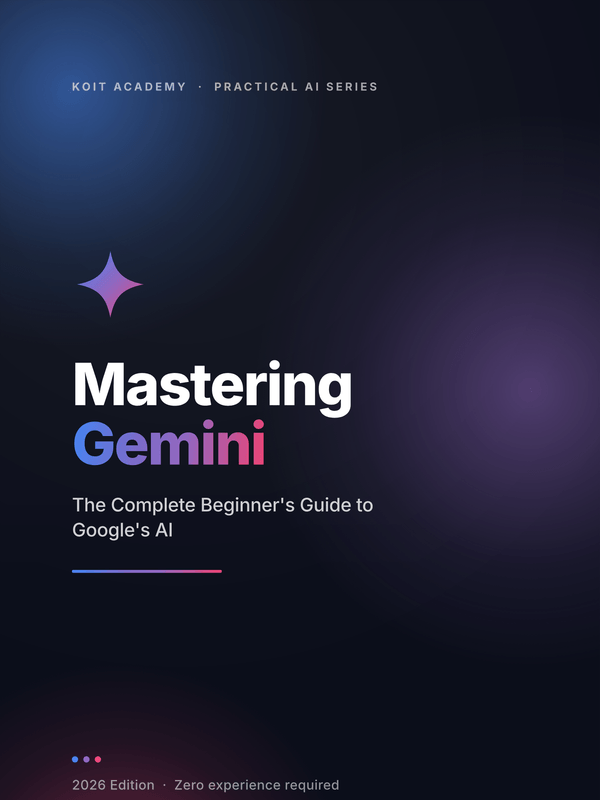
Gemini wins on two things and they are not the two things people expect. It takes very long inputs comfortably, and it is already inside Gmail, Docs, Drive and the rest of Workspace. If your organisation runs on Google, the integration is not a feature, it is the whole argument. It also reads images and video alongside text in the same conversation, which matters more in practice than it sounds. Mastering Gemini is the shortest of the three guides at 117 pages precisely because it skips the fundamentals and spends its length on that overlap.
The comparison, task by task
| Task | Open this | Why |
|---|---|---|
| Long document summary or review | Gemini | Takes the whole thing without chunking, and holds detail from the middle |
| Writing that has to match a house style | Claude | Stays inside a specification across a long piece; least likely to drift back to generic |
| A first draft of anything, fast | ChatGPT | Lowest friction, widest general competence, no setup |
| Multi-step reasoning you need to audit | Claude | Shows its working in a form you can actually check |
| Research needing live web results | Gemini | Search is native rather than bolted on |
| Working inside Gmail, Docs or Sheets | Gemini | It is already there; nothing to copy and paste |
| Working inside Excel, Word or Outlook | Claude | The Microsoft surfaces are Claude’s equivalent play |
| Turning a repeated job into a reusable tool | ChatGPT or Claude | Custom GPTs and Skills solve the same problem two ways |
| Reading a screenshot, a chart or a video | Gemini | Multimodal input in the same conversation, no conversion step |
| Everyday admin, email, short copy | Any | Genuinely indistinguishable; use whichever is already open |
The last row is not filler. For a large share of what people actually do with these tools — rewriting an email, tightening a paragraph, drafting a reply — the three are interchangeable and choosing between them is wasted deliberation.
Two rows deserve a caveat. “Multi-step reasoning you need to audit” is about the shape of the answer rather than its accuracy: all three will make mistakes on a long chain, and Claude’s advantage is that its working is laid out in a form where you can find the step that went wrong. That is a different property from being right more often, and it is the more useful one when the output has to be defended to somebody.
And “writing that has to match a house style” assumes you have given it a house style to match. Handed nothing, all three produce the same well-mannered corporate default, and the differences between them are invisible next to the difference between having a style specification and not.