AI Tools · PDF · 288 pages
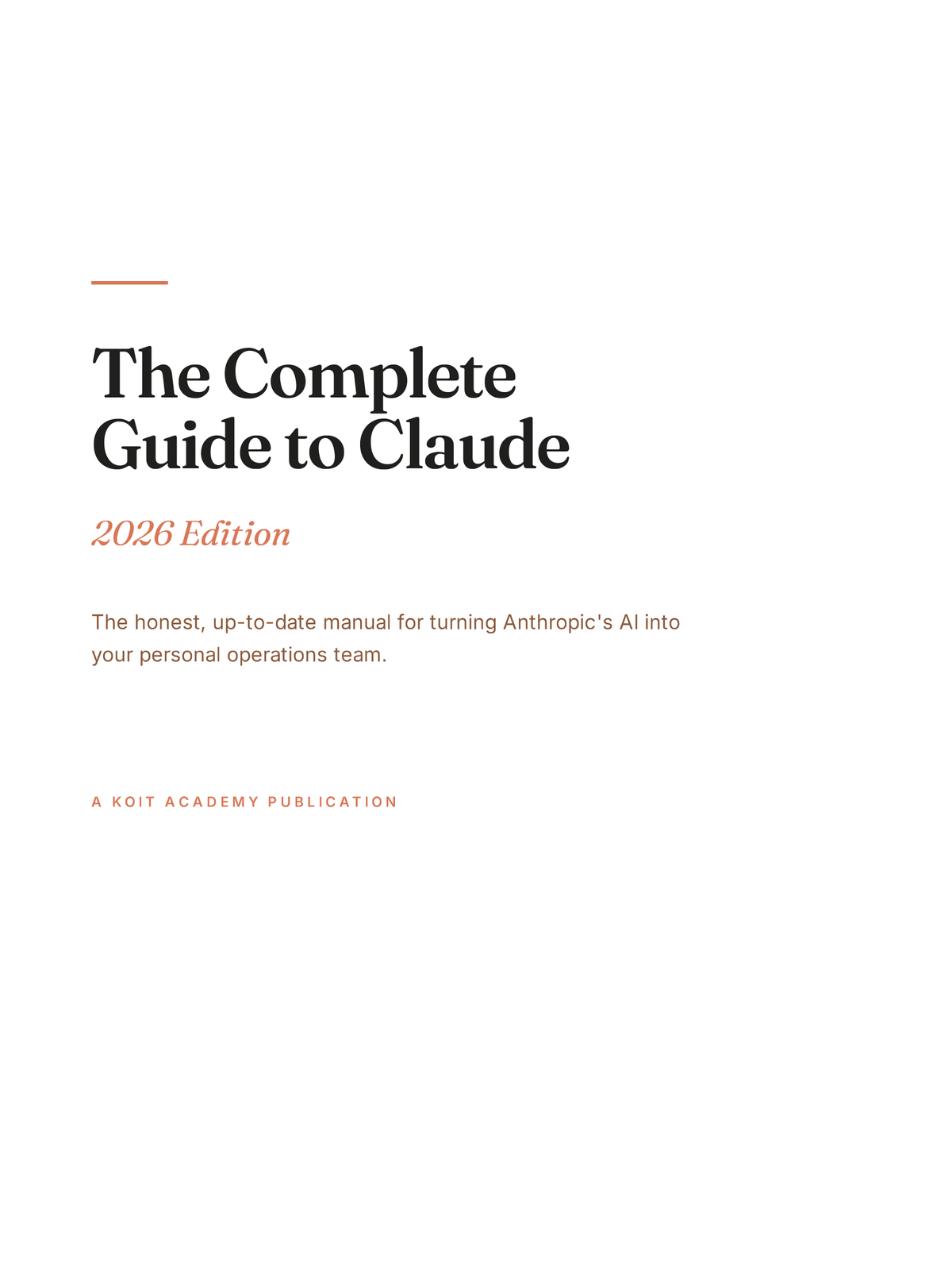
How to use Claude AI properly — the complete 288-page guide
Claude rewards long, structured work, and almost nobody gets past the chat box. This is the 288 pages about everything after it.
- Build a Project that already knows your context, so you stop re-explaining your job at the start of every conversation.
- Write a Skill once and have Claude load it automatically whenever the work calls for it, instead of pasting the same instructions weekly.
- Connect Claude to the tools your work actually lives in — mail, calendar, files, repositories — and know which connections are worth the privacy cost.
- Hand off multi-step work through Cowork and review a finished result rather than supervising every turn.
VAT or sales tax added at checkout where it applies
Get instant access — $19.99Also in the Koit AI Mastery Bundle — all 5 for $39 (save $47.96).
- Instant download
- PDF, works on any device
- Pay by card or PayPal
- No subscription
Who this is for
Buy it if
- You use Claude most days and suspect the chat box is the shallow end. It is: Parts 3 and 4 are where the book spends its length.
- You want one reference you can search at 288 pages, rather than piecing together release notes and forum posts.
- You are the person at work others ask about AI, and you would rather answer from something verified than from memory.
- You want systems you can run, not features you can name — Part 5 is ten complete workflows, each composed from the features earlier parts explain.
Do not buy it if
- You want a general introduction to AI. This is one model in depth; the Starter Pack covers three at a beginner level for a fifth of the price.
- You only use Claude to rewrite emails and are happy with that. Nothing here will change your mind, and the book is priced for people who want the other 250 pages.
- You need ChatGPT or Gemini. Almost none of this transfers — the surfaces, the naming and the limits are all specific to Claude.
- You are a developer looking for API and SDK depth. There is exactly one chapter on the API, written for non-developers.
After reading it
What you will be able to do
- Pick the right model in the family for a task, and control how hard it thinks before it answers.
- Structure a prompt with the five-part framework, then debug a disappointing answer from its symptoms rather than starting again.
- Use XML tags and system prompts to hold a long conversation to a format it would otherwise drift out of.
- Set up Projects and Artifacts so the output is an editable deliverable rather than text you copy out of a chat.
- Decide what Claude should remember about you, and shape it deliberately instead of discovering it later.
- Run scheduled tasks and Cowork jobs that continue without you, and know the failure modes of both.
- Work with Claude inside Excel, Word, PowerPoint, Outlook and Chrome, where most of the actual work happens.
- Run ten named workflows end to end — the morning brief, the content pipeline, inbox triage, meetings, research and the rest.
What is inside
- Pages
- 288
- Chapters
- 41
- Parts
- 6
PART 1 · Foundations5
- 01
Why Claude, and Why Now
- 02
The Model Family
- 03
What Actually Makes Claude Different
- 04
Plans Decoded
- 05
The Full Surface Map
PART 2 · Prompting Mastery8
- 06
How Claude Actually Reads Your Prompts
- 07
The Five-Part Framework
- 08
Prompt Patterns
- 09
XML Prompting & System Instructions
- 10
System Prompts & Reusable Personas
- 11
Structured Outputs
- 12
The Iteration Loop
- 13
Debugging Bad Outputs
PART 3 · Core Features7
- 14
Projects
- 15
Artifacts
- 16
The Document Layer
- 17
Memory
- 18
Styles
- 19
Voice & Mobile
- 20
Deep Research
PART 4 · Power Features10
- 21
Skills
- 22
Connectors & MCP
- 23
Cowork
- 24
Scheduled Tasks
- 25
Computer Use
- 26
Claude Code for Everyone
- 27
Claude Inside Microsoft Office
- 28
Claude in Chrome
- 29
Teams & Shared Projects
- 30
The API for Non-Developers
PART 5 · Workflows10
- 31
The Morning Intelligence Brief
- 32
The Content Pipeline
- 33
Research & Analysis
- 34
Inbox Mastery
- 35
Meetings
- 36
Learning Anything Faster
- 37
Shipping Small Projects
- 38
Business Operations
- 39
Family & Home Systems
- 40
Analysis, Negotiation & Correspondence
PART 6 · The Prompt Vault1
- 41
The Prompt Vault
Straight from the book
Two prompts, printed exactly as they appear inside
Cut this to {N}% of its current length.

Rules:
- Remove whole sentences and paragraphs, not adjectives
- Preserve every substantive claim
- Tell me which idea you removed entirely, if any
- If cutting further would lose something real, stop and
say so rather than butchering it

Show the cut version, then a one-line note on what changed.

{TEXT}
The last rule is the one that matters. Without it a model will happily strip an argument to hit a word count and never mention what it dropped.
Match the voice in these samples exactly.

{SAMPLE 1}
{SAMPLE 2}
{SAMPLE 3}

Before writing, tell me in three bullets what defines this
voice — rhythm, vocabulary, structural habits.

Then write: {THE TASK}
Forcing the model to describe the voice before using it is the whole trick — you get to correct a wrong reading in one line instead of rejecting three finished drafts.
Sample pages
Three unedited pages from the book.
288
pages in total
41 chapters, all of it written like the three pages beside this one.
Format and delivery
- Format
- Pages
- 288
- File size
- 2.6 MB
- Text
- Searchable and selectable, not scanned images
- Reads on
- Phone, tablet, laptop, e-reader — anything that opens a PDF
- Printing
- Unrestricted
- DRM
- None. The file is not locked to a device or an account
- Delivery
- Download link immediately after payment
- Access
- Permanent — the file is yours once downloaded
- Edition
- 2026, first edition
- Structure
- 41 chapters across 6 parts, ending in the Prompt Vault
Why $19.99
Two hundred and eighty-eight pages is the longest book in this catalogue, and the length is the point: the features that change how you work are not the ones you can explain in a blog post. Reading Part 4 and building one Skill will take you an evening and remove a task you currently repeat every week. Set against the twenty dollars, the question is not whether the book is cheap but whether one working system is worth an evening — and that is a decision you can make before you pay, from the chapter list below.
One payment, no subscription, and the file is yours to keep. The full delivery spec is above, and the refund policy says exactly when the money comes back.
Refunds
Refunds are handled by Payhip, where the payment is taken. Digital downloads are delivered instantly and cannot be returned, so completing checkout waives the statutory 14-day right of withdrawal. Refunds are still given for a file that will not open, a duplicate charge, the wrong product, or a product that materially differs from its description here — within 14 days, by email.
This wording matches the full refund policy exactly. If the two ever disagree, the policy page is the one that governs — and the difference is what causes chargebacks, so they are kept identical.
Before you buy
Questions about this book
I already use Claude every day. What is actually left for me here?
How does this compare to the free documentation?
Does it cover the Claude apps and the browser extension, or just the website?
Is this useful on the free plan?
How many chapters is it, exactly?
What is not covered?
Will it go out of date?
Is this affiliated with Anthropic?
Read next
 AI Tools
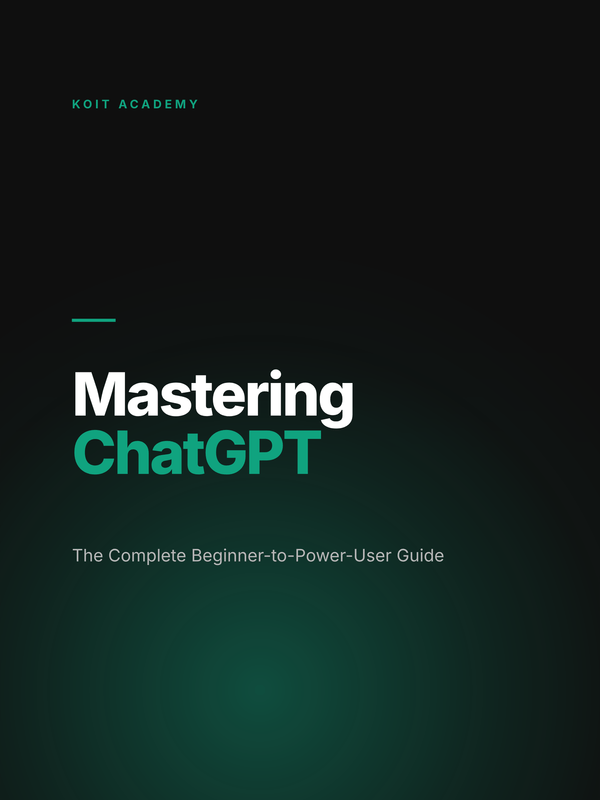
Mastering ChatGPT
A 154-page guide to using ChatGPT for real work rather than demos.
154 pages$19.99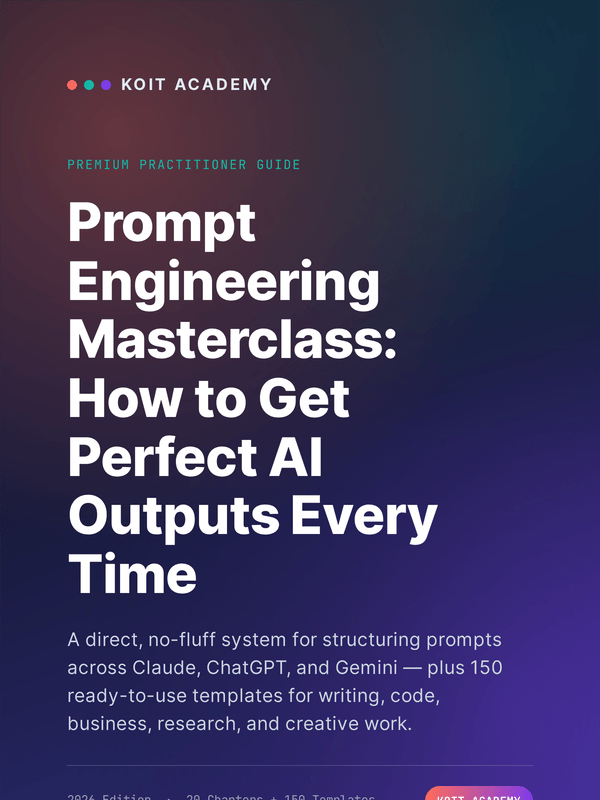 AI Tools
Prompt Engineering Masterclass 2026
20 chapters on prompt construction, with 150 templates you can lift directly.
110 pages$19.99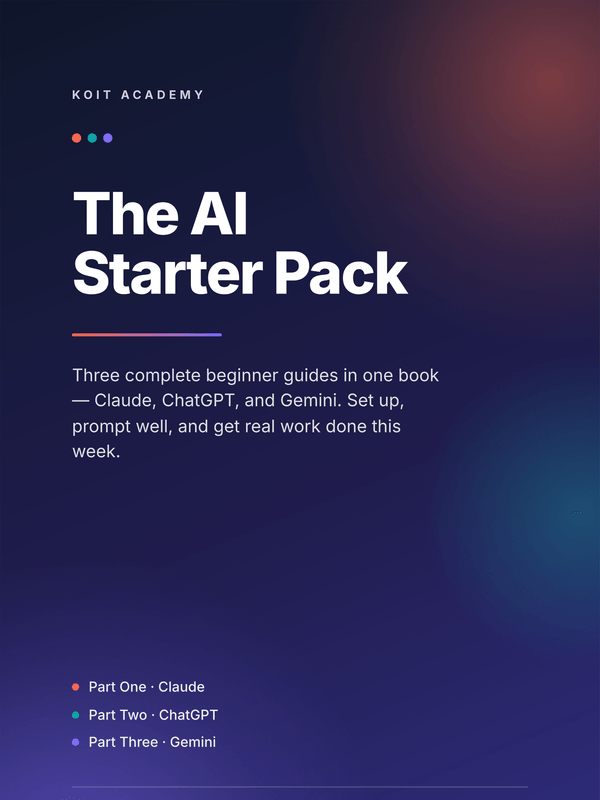 AI Tools
AI Starter Pack
Lite guides to Claude, ChatGPT and Gemini in a single PDF, plus a side-by-side comparison cheat sheet.
94 pages$9