Using AI to Find Negative Keywords You Are Missing
A four-step workflow for mining a search terms report with a language model, including the cross-check that stops you blocking converting traffic.
Published
Everyone knows they should be mining the search terms report. Almost nobody does it properly,
and the reason is arithmetic rather than laziness.
A mid-sized account produces a few thousand distinct terms a month. Reviewing them honestly
means making a judgement on each one, and human judgement degrades across a list that long in a
predictable way: rigorous for the first two hundred, approximate by six hundred, rubber-stamping
by a thousand. So what actually happens is that you sort by cost, deal with the top forty, add
four obvious negatives, and close the tab. The waste that matters is not in the top forty. It is
in the long tail, where no single term costs enough to notice and four hundred of them together
cost more than your worst campaign.
This is the job language models are unreasonably good at: consistent classification at a volume
where humans stop being consistent. Below is the workflow, with the prompts printed in full.
Why the search terms report defeats you
Two structural problems, both worth naming before the fix.
The first is that the interesting patterns are invisible at the row level. A term costing £3.20
is not worth a decision. Four hundred terms containing the word jobs, costing £3.20 each, is a
£1,280 decision — but you can only see it if you are looking at the words rather than at the
queries.
The second is that the obvious response to this is dangerous. Once you notice the pattern, the
temptation is to add a broad negative for the word and move on. Broad negatives added in a hurry
are how accounts lose their best-converting query to a word that appeared in it for an unrelated
reason. Every step below has a safety property, and the third step exists for nothing else.
Step one: classify, do not skim
Do not ask the model for negative keywords yet. Ask it to sort.
Export the search terms report with cost, clicks and conversions, and get a classification
against your own taxonomy — the categories that describe your account, not generic ones. What
you want out of this stage is every term assigned to a bucket, consistently, with the ones it
was unsure about flagged rather than guessed.
Two things make this work in practice. The first is a context pack: the model cannot classify
queries for a business it knows nothing about, so it needs your services, your geography, what
you do not sell, and what a good lead looks like. The second is a drift check, because a model
classifying two thousand terms in one session will quietly loosen its own standards partway
through.
G-033 · Classifier drift checkAI for Google Ads, Ch. 16
Below are 20 terms you classified earlier in this session, presented
without their previous codes. Classify them again. Then I will compare.
Do not try to recall your earlier answers.
TERMS: [paste]
Feed back twenty terms from early in the run, stripped of their codes. If the second pass
disagrees with the first on more than one or two, the run is not trustworthy and you split it
into smaller batches. This takes ninety seconds and it is the difference between a classification
you can act on and one you cannot.
Step two: extract the pattern, not the query
Now the extraction — and the important word in the prompt below is phrase, not term.
A negative keyword list built from individual queries is a list that never finishes, because
there is always another variant. A list built from the shortest reliable blocking phrase covers
the variants you have not seen yet.
G-034 · Negative keyword extractionAI for Google Ads, Ch. 17
Extract negative candidates from these classified waste terms. Per
candidate: shortest reliable blocking phrase, match type (broad only
for universally disqualifying words; phrase is the default), scope,
terms blocked, wasted cost, and a specific RISK field naming the
legitimate query this could block. Never propose anything blocking a
term with conversions > 0. Sort by wasted cost. Flag anything with risk
≠ NONE in REVIEW REQUIRED.
TERMS: [paste]
Four things in that prompt are doing real work, and it is worth understanding why each is there
rather than copying it blind.
Phrase is the default, broad is the exception. Broad match negatives block any query
containing those words in any order, which is right for jobs and free and catastrophic for
almost everything else.
A RISK field that names a specific query. Not a risk rating — a named example of a
legitimate search this negative would block. A rating is a number you skim past; a sentence
saying “this would block emergency plumber near me” is a thing you stop and read.
Never propose anything blocking a converting term. Stated as an absolute because it is one.
Sorted by wasted cost. So that if you only implement the top ten, you have implemented the
ten that matter.
Free · no card
Twenty prompts that survive a long conversation
The free guide is fifteen pages, and every prompt in it is printed in full.
Step three: the cross-check that stops the expensive mistake
This is the step people skip, and it is the one that pays for the whole workflow the first time
it catches something.
The extraction above proposes negatives based on the waste terms it was shown. It has not seen
your converting terms or your active keyword list, so it cannot know that the phrase it just
recommended appears in the query that generates a third of your leads.
G-035 · Negative safety cross-checkAI for Google Ads, Ch. 17
Below are proposed negative keywords and our all-time converting search
terms. For each proposed negative, list every converting term it would
block. Then list every one of our active keywords it would block. Output
only conflicts — if there are none, say so plainly.
NEGATIVES: [paste] CONVERTING TERMS: [paste] KEYWORDS: [paste]
Run this against your all-time converting terms, not last month’s. A query that converted twice
in March and not since is exactly the kind of thing a monthly export loses and a broad negative
kills permanently.
“Output only conflicts” matters more than it looks. A model asked to check ninety negatives will
produce ninety paragraphs of reassurance if you let it, and the two real conflicts will be
buried in the middle of them.
Step four: n-grams find what individual queries hide
The first three steps clean up what is already in front of you. This one finds the thing you did
not know to look for.
G-038 · N-gram analysisAI for Google Ads, Ch. 18
N-gram analysis on the data below. Table 1 unigrams, table 2 bigrams,
both with term_count, impressions, clicks, cost, conversions, CPA,
conv_rate. Exclude stop words, minimum 5 terms per n-gram, sorted by
cost. Table 3: HIGH VALUE and HIGH WASTE n-grams against an account CPA
of [X]. Then max 200 words on what the pattern says and the single most
actionable thing in it.
DATA: [paste]
The output that changes decisions is table three, and specifically the HIGH VALUE half. Everyone
runs this looking for waste. The more valuable finding is usually a two-word phrase converting
at half your account CPA across sixty low-volume queries that no single query volume would ever
have justified building a campaign around.
Cap the commentary. Without the word limit you get a thousand words of restated table.
Where the negatives should live
Extraction is half the job. Where you put the result decides whether it keeps working.
Three levels, and the mistake is almost always putting something at the wrong one. Account-level
shared lists are for terms that disqualify a visitor no matter what they searched — jobs,
salary, free, how to become a. Build these once and apply them everywhere; they are the
same for every account you will ever run in that vertical. Campaign-level lists are for
separation rather than exclusion: brand out of non-brand, one service line out of another.
Ad-group-level negatives are the sculpting layer, and the one to be most conservative with,
because a negative added here to push traffic somewhere else will quietly starve the ad group it
was supposed to protect when volume shifts.
Two operational points that are worth more than another prompt.
Negatives should be added in batches with a date, not one at a time as you notice them. A batch
you can point at in the change history is a batch you can reverse when conversions drop next
week; forty individual additions across a month are not reversible in any practical sense.
And review additions after fourteen days, not immediately. The signal you are looking for — did
this block something it should not have — takes impressions to appear, and an account checked
the next morning always looks fine.
What to do with an inherited account
If you have just taken over an account, run this one before anything else. The negatives already
in there were added by someone whose reasoning you do not have access to, and some of them are
now blocking revenue.
G-036 · Inherited negative list auditAI for Google Ads, Ch. 17
Review this negative keyword list against the account context. Flag:
negatives that could block legitimate queries (name the query);
redundant negatives; negatives implying a service or geography
assumption that may no longer be true (raise as client questions); and
wrong match types. Sort by risk. Never suggest removal without saying
what traffic it lets back in.
LIST: [paste]
The third category is the one that finds money. A negative for a city the client no longer
serves, or a service line they dropped and restarted, sits in a shared list for years and nobody
thinks to question it — it is not broken, it is just wrong now. Framing those as client questions
rather than as recommendations is deliberate: you do not know which assumptions still hold, and
guessing is how you turn a cleanup into an incident.
The workflow, end to end
Once a month, forty minutes:
Export search terms with cost, clicks, conversions. Paste your context pack.
Classify in batches. Run the drift check on each batch.
Extract negative candidates as phrases with a named risk each.
Cross-check every candidate against all-time converting terms and active keywords.
Implement everything with RISK: NONE. Read the rest yourself.
Quarterly, add the n-gram pass and the inherited-list audit.
Two rules that are not optional. Never bulk-upload the model’s output without step four — the
one time it is wrong it will be wrong about something that matters. And keep the context pack in
a system layer rather than pasting it every session, for the reason set out in
why your prompts stop working after ten messages: a
classification standard restated in message one has measurably decayed by message thirty.
The prompts above are printed exactly as they appear in
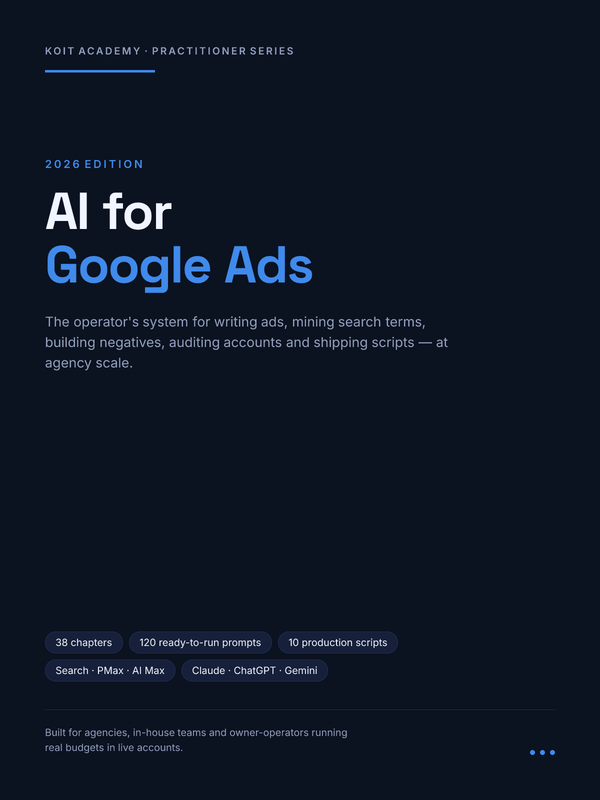
AI for Google Ads, which is 220 pages on running an account this
way — thirty-eight chapters, a 120-prompt library numbered G-001 to G-120, and ten deployable
scripts. If you run your own small agency rather than an in-house account, the operational half
of that job — proposals, pricing, client reporting, the SOPs that let you hire — is
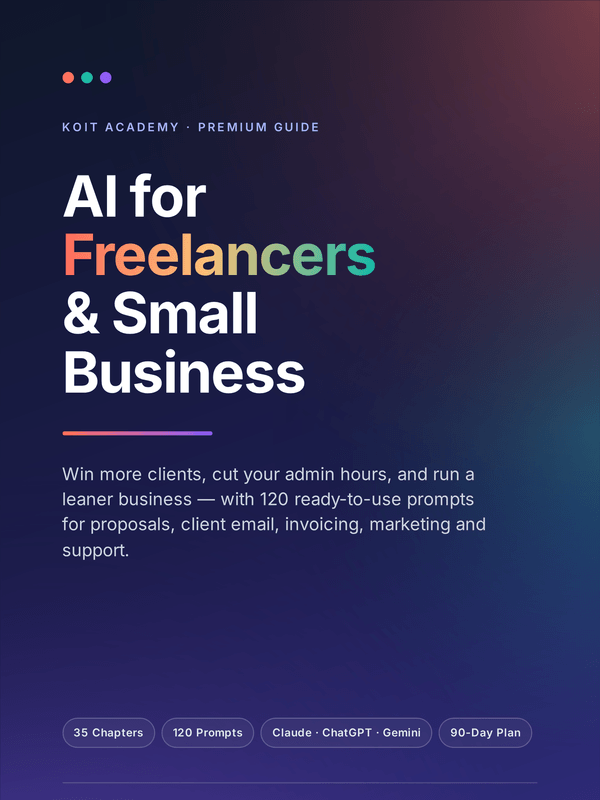
AI Tools for Small Business instead.
Fifteen pages, twenty prompts, no card. Then about one email a week on getting usable work out of these tools.
Cookies
We use analytics and advertising cookies to understand which pages sell and which do not. Nothing loads until you choose. Reject keeps the site working exactly as it is.Cookie policy