Consistent AI Images: Getting the Same Result Twice
Seeds, reference images and prompt structure — why the second attempt never matches, and the habits that make a good image findable again.
Published
You generated something good on Tuesday. On Thursday you need one more in the same style, and
what comes back is recognisably from a different world — different light, different lens,
different mood. You have the prompt. You copied it exactly. It does not matter.
This is the single most common frustration with image models and it is almost entirely a
process problem rather than a model problem. Consistency is achievable. It is just not
achievable by writing a better prompt.
Why the second attempt never matches
Three things vary between two runs of the same prompt, and only one of them is the prompt.
The starting noise. Every generation begins from a random noise pattern. Change that and
you change the image, even with identical text — the model is not drawing the same picture
twice, it is resolving a different random field toward the same description.
The description is looser than you think. “Warm evening light” covers about four hundred
distinguishable lighting setups. You are not specifying an image, you are specifying a region,
and the model picks a point inside it. That felt fine on Tuesday because you liked the point it
picked.
The model underneath moved. Platforms ship new versions continuously, and a version bump
re-renders your prompt against different training and different defaults.
Each has a fix, and they stack. None of them is a magic phrase.
Seeds: what they fix and what they do not
A seed fixes the starting noise. Same prompt plus same seed on the same model version gets you
the same image, or near enough that the difference does not read.
Seed, as a flagMastering AI Image Generation, Ch. 2
--seed 04294967295
That is the whole mechanism, and it is the most reliable route back to an image you have already
made. What it does not do is what most people hope for.
A seed does not transfer style between different prompts. Seed 4294967295 is not “the cinematic
one” — the same seed with different text produces an unrelated image, because the seed is the
starting condition, not an aesthetic. And a seed does not survive a model version change, so a
seed recorded eight months ago against a version you are no longer on is a historical note
rather than a reproduction.
Use it for the narrow job it does well: you have a good image and you want variations that stay
close to it, or you want to change one word and see only that word’s effect. Both of those are
enormously useful and neither is “make everything look consistent”.
Structure: the same prompt, written the same way
If the seed handles the noise, structure handles the looseness.
The reason two of your prompts produce inconsistent output is usually that they specify
different things, not different values. One mentions the lens and the other does not, so on
the second the model chooses. Any fixed slot order fixes this — subject, action, environment,
lighting, composition, style, technical parameters — because a slot you always fill is a
decision you never delegate by accident.
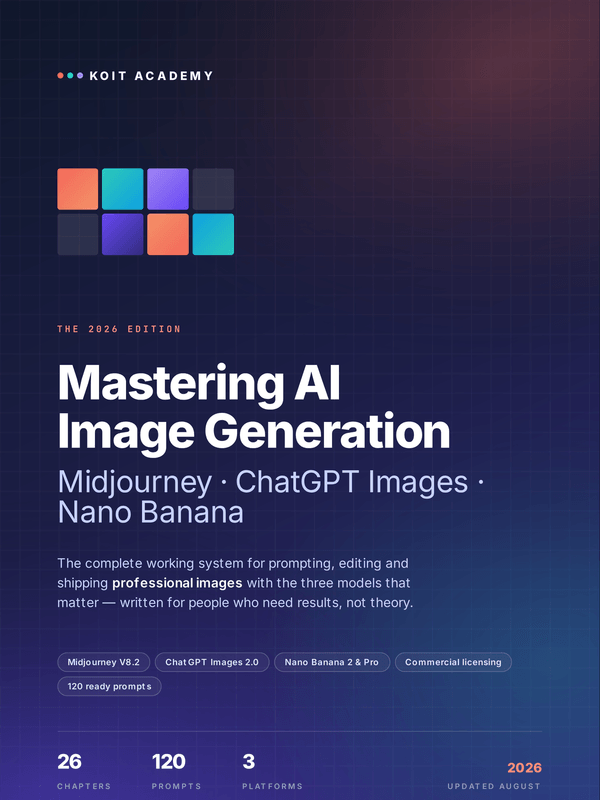
Mastering AI Image Generation builds its whole method
on a seven-slot version of exactly this, and the value is not the specific slots. It is that
every prompt has the same ones.
Two practical consequences. Write the empty template once and fill it in, rather than writing
each prompt from scratch — a prompt written fresh will always drop a slot. And when something
comes out wrong, change one slot at a time. Rewriting the whole prompt is how you lose the
version that was nearly right.
Free · no card
Twenty prompts that survive a long conversation
The free guide is fifteen pages, and every prompt in it is printed in full.
Reference images do the work a prompt cannot
Text has a ceiling. Beyond a certain point, describing a face, a product or a specific visual
identity in words is less precise than showing the model the thing.
This is the actual answer to campaign consistency, and it is the one people arrive at last. If
you need eight images that clearly belong together, generate one you are happy with and use it
as a reference input for the rest, adjusting only the subject or the scene. The platforms differ
in how they take a reference and in how strongly they weight it, and those specifics change
often enough that it is worth checking rather than trusting a blog post — including this one.
Two things that are stable enough to rely on: a reference image beats an adjective for anything
visual, and half a rejected image is often exactly the reference you need three weeks later.
Which brings us to the unglamorous part.
The habits that make any of this possible
None of the above helps if you cannot find what you made. The difference between a library you
can use in six months and four thousand files called image_final_v3(2).png is entirely
housekeeping, and it is worth doing on day one rather than after the first time you need
something back.
Habit
Why it pays off
One folder per project, with a prompts.txt inside
The prompt is the asset. The image can always be regenerated; the exact phrasing cannot be reconstructed from memory.
Filename carries platform and date
mj_2026-08-12_bakery-hero-03.png tells you where to go to make a variation.
Save the seed or job ID whenever you get something good
The only reliable route back to a near-identical image.
Keep a personal style-words file
Vocabulary that works for you is a competitive advantage and it accumulates.
Keep a rejects folder rather than deleting
Half of a bad image is often the reference input you need later.
The third row is the one to start with today. A good image whose seed you did not record is an
image you will not make again.
Consistency across a set, which is a different problem
Everything above is about reproducing one image. Making eight images that clearly belong together
is a related job with a different answer, and conflating the two is why people reach for seeds
and get nowhere.
A seed will not do it, because eight different subjects need eight different prompts and the
seed does not carry style across them. What does the work is holding everything except the
subject fixed — and fixed means literally identical text, not paraphrased. Write the prompt
once with the subject as the only variable, then substitute. Two prompts that differ in a word
you thought was cosmetic will differ visibly in the output.
The practical method is to generate the hardest one first. Whichever image in the set has the
most awkward subject or the most specific composition, do that one until it is right, then treat
its prompt as the template and its output as the reference for the other seven. Starting with
the easy one produces a template that falls apart the first time the subject resists it.
Set a budget before you start, too. Image work expands to fill whatever time is available,
because the next generation is always ten seconds away and might be better. Decide how many
attempts a given image is worth, and when you hit it, ship the best one you have. The gap between
the fourth attempt and the twentieth is usually invisible to everyone who is not you.
When the model updates underneath you
Everything above has a shelf life, and the parts with the shortest one are the parameter tables.
Flags get added, defaults change, a version bump re-renders your archive differently.
What survives a version change: the slot structure, your style vocabulary, your reference
images, and your diagnostic habits. What does not: exact parameter values, seeds, and any
specific claim about how strongly a platform weights a reference.
So keep those separable. A prompt file that mixes your durable structure with version-specific
flags is a file you have to rewrite; one that keeps the flags on their own line is one you
adjust. When output starts looking uniformly the same, the usual causes are the ones you would
expect — chaos set too low, a seed pinned when you did not want it pinned, or a prompt so
over-specified there is nothing left for the model to decide.
A checklist
Before you generate:
Fill every slot in the template, including the ones that feel obvious.
Decide whether this run is exploration or reproduction. Exploration: no seed. Reproduction:
seed pinned.
If it needs to match something, attach that something as a reference rather than describing
it.
After you generate something good:
Save the seed or job ID next to the file.
Put the exact prompt in the project’s prompts.txt, unedited.
Add any phrase that clearly did work to your style-words file.
That is six steps, most of them five seconds. The whole of image consistency is that these
happen in the moment rather than being reconstructed later, and reconstruction is not possible.
Mastering AI Image Generation covers this across 26
chapters and three platforms, with a diagnostics table for when an image comes out wrong and an
appendix listing what to re-check after a model update. If you are earlier than that and want
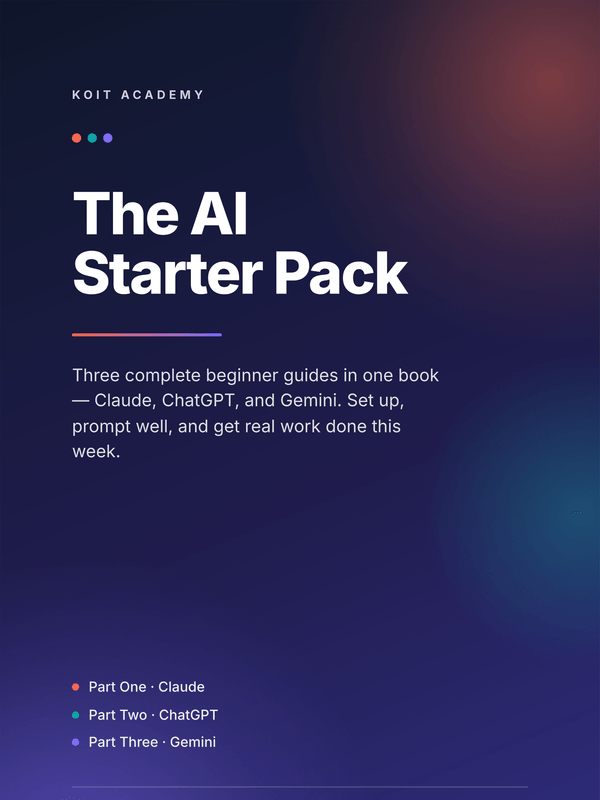
the text tools first, the AI Starter Pack is the beginner route
through Claude, ChatGPT and Gemini in one file.
Fifteen pages, twenty prompts, no card. Then about one email a week on getting usable work out of these tools.
Cookies
We use analytics and advertising cookies to understand which pages sell and which do not. Nothing loads until you choose. Reject keeps the site working exactly as it is.Cookie policy